Nanopub 101
What is a Nanopub?
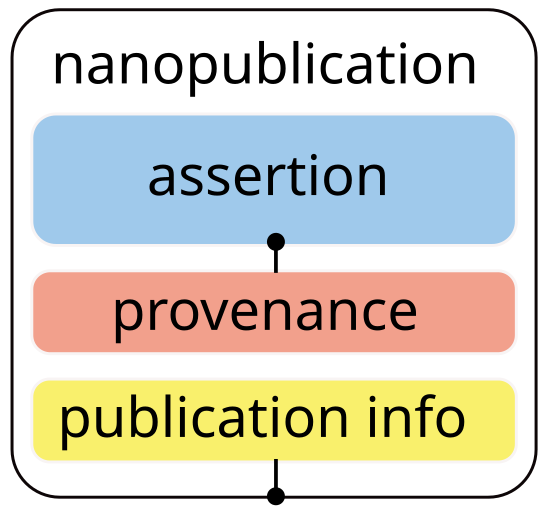
Think of a Nanopub as a little knowledge container
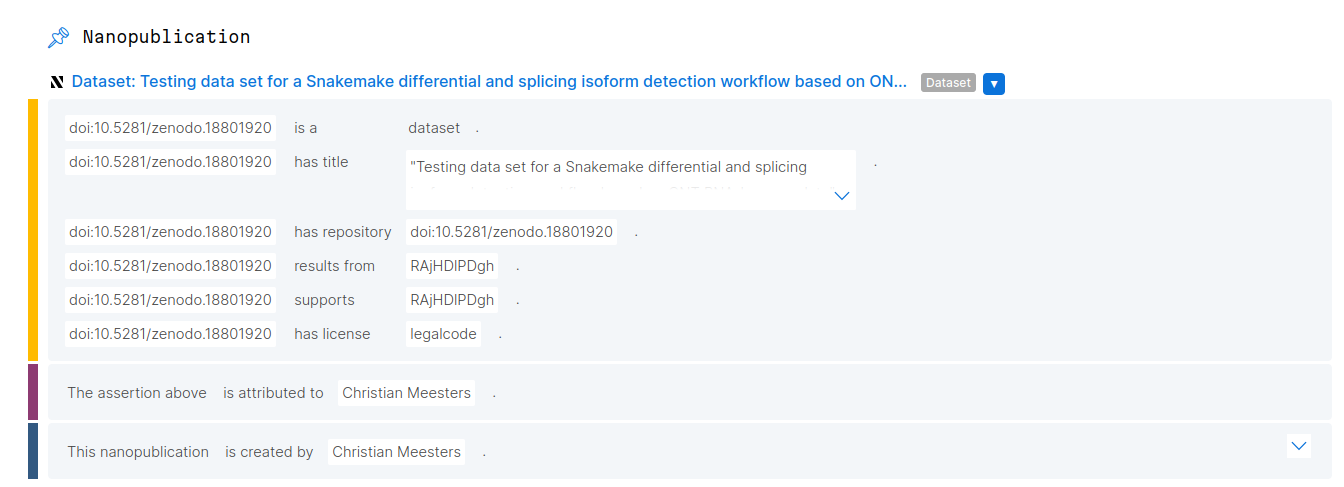 This is an example Nanopub, a dataset description
Register your account
If you have don’t have an account yet, please register at nanodash using your ORCID iD.
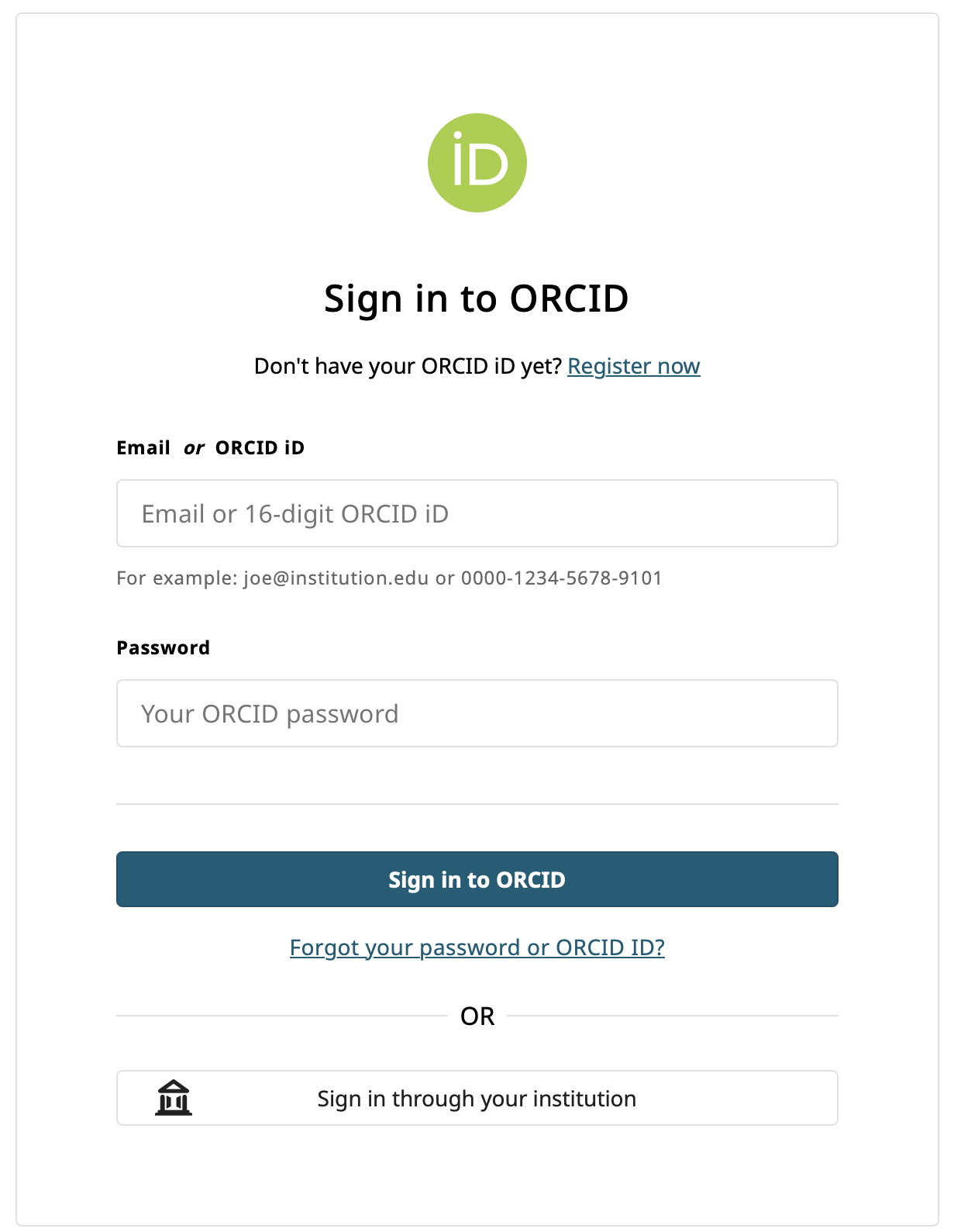
Registration page
Interlude: What is an ORCID? II
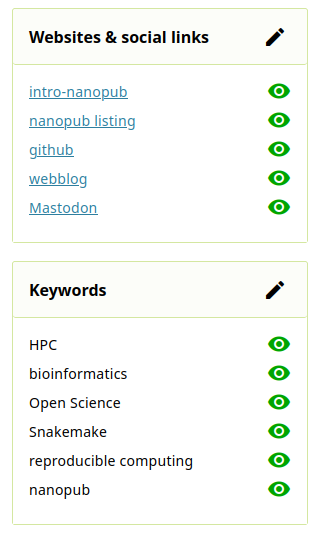
Example screenshot with links and research interests.
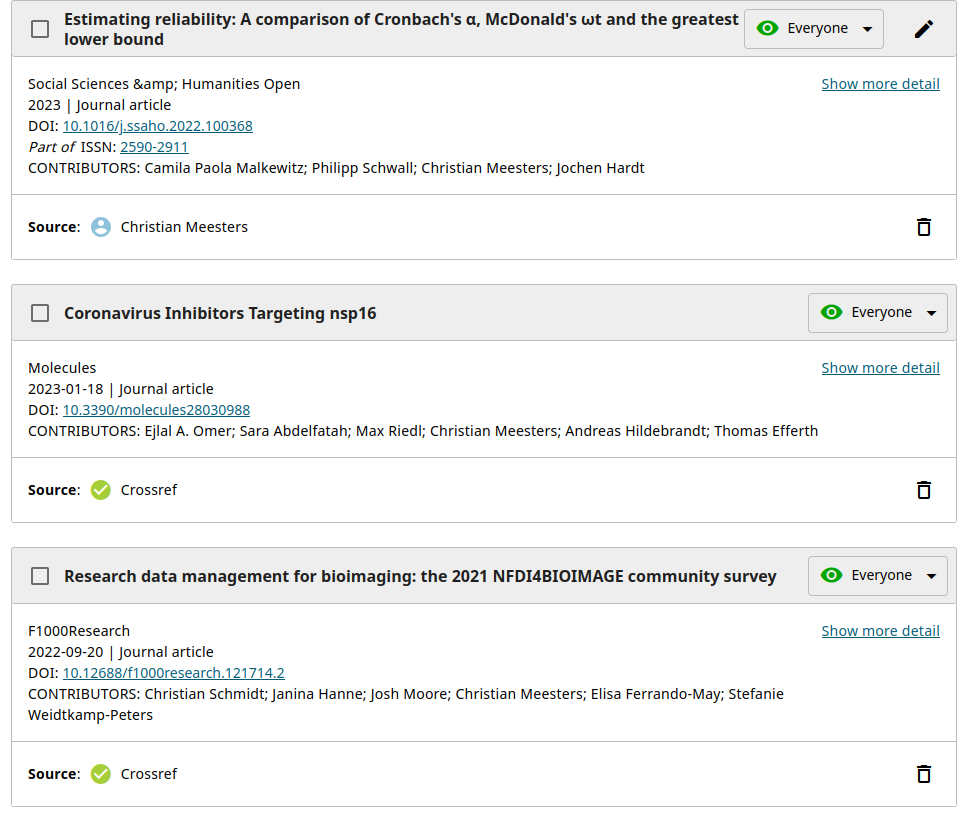
Example screenshot of papers linked in an ORCID profile.
Authorise ORCID iD and enter your Nanodash account
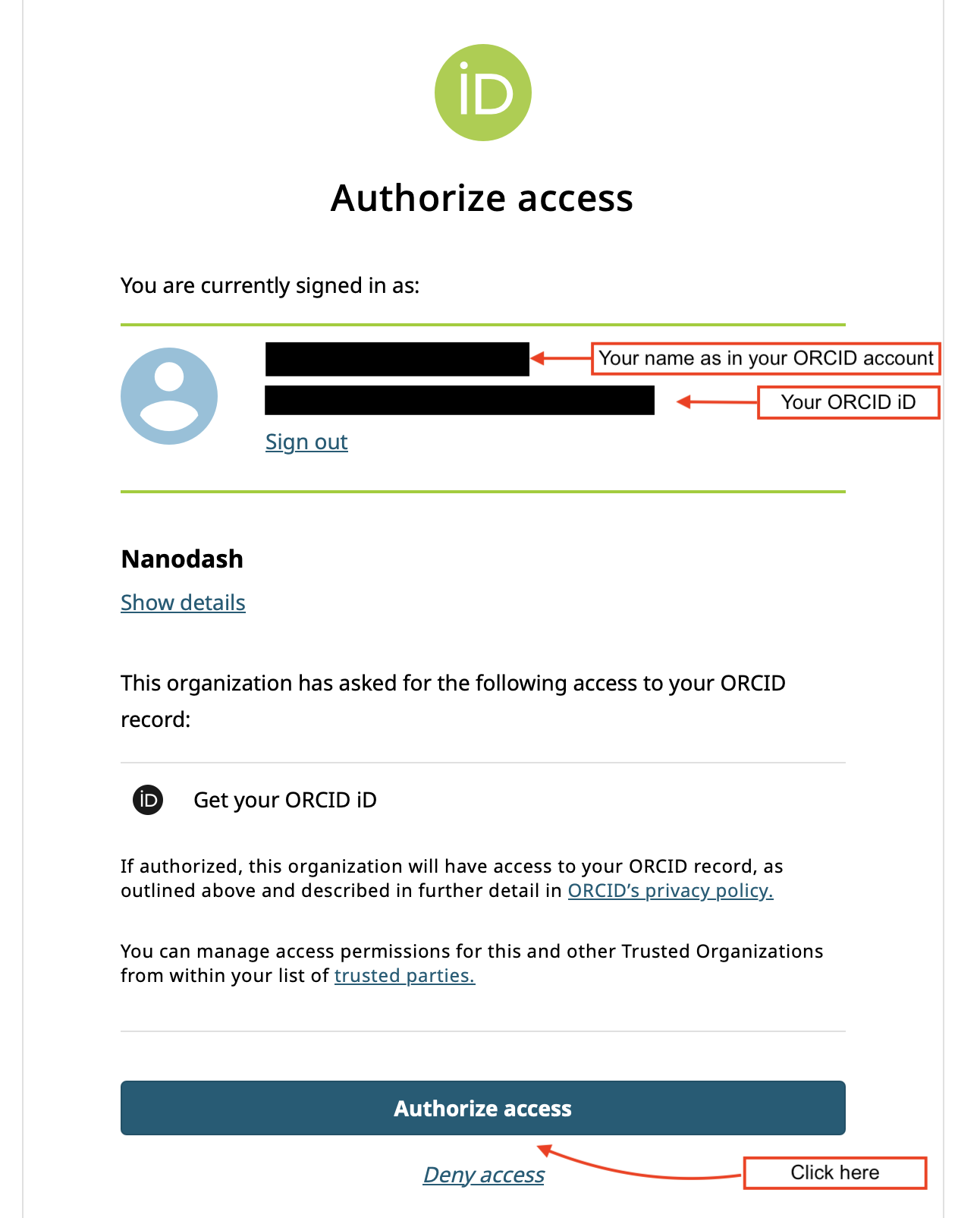
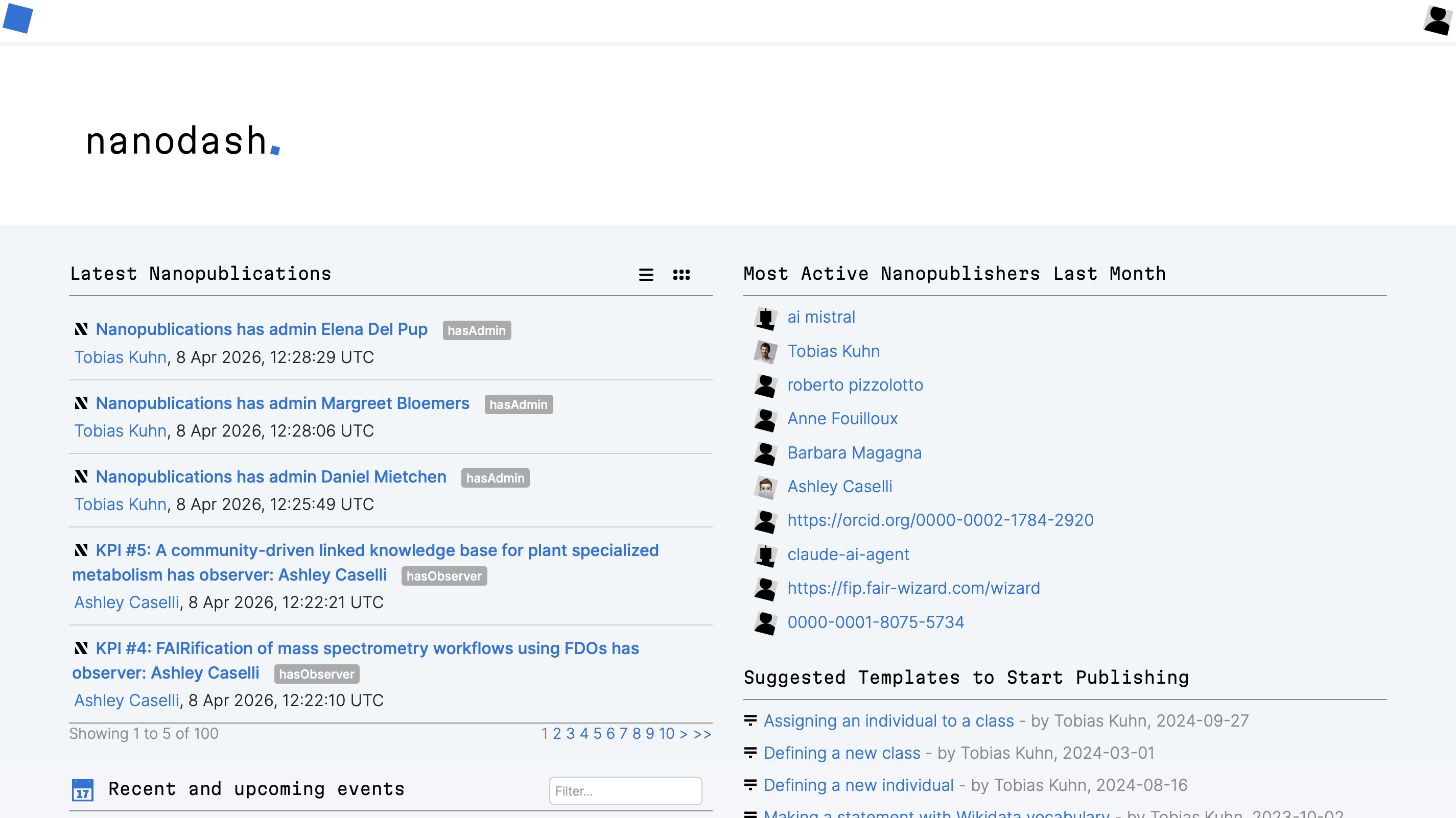
Introduction of an User
Click on the profile icon in the top right corner to access your profile page.
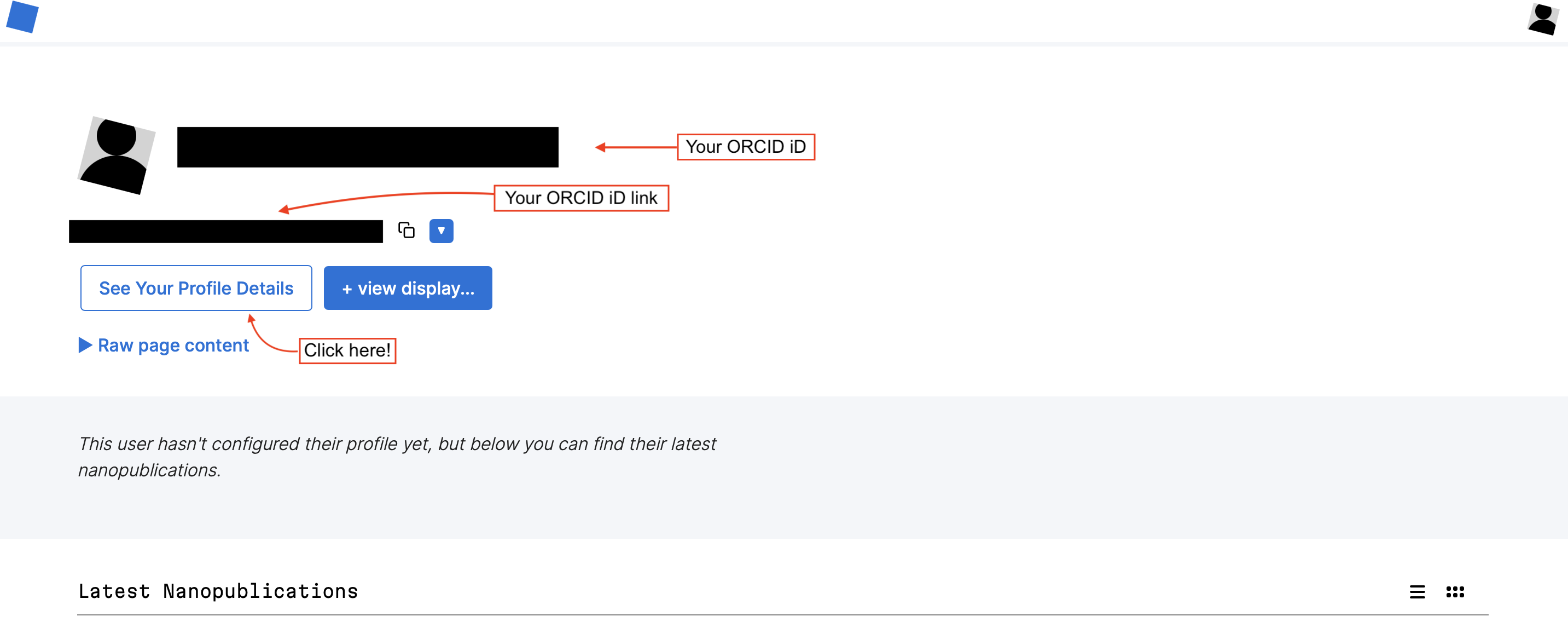
Profile page
Then click on the “See Your Profile Details” button to access your profile details.
Create Introduction
Inside the Profile Details page, click on the “Create Introduction” button to create your introduction.
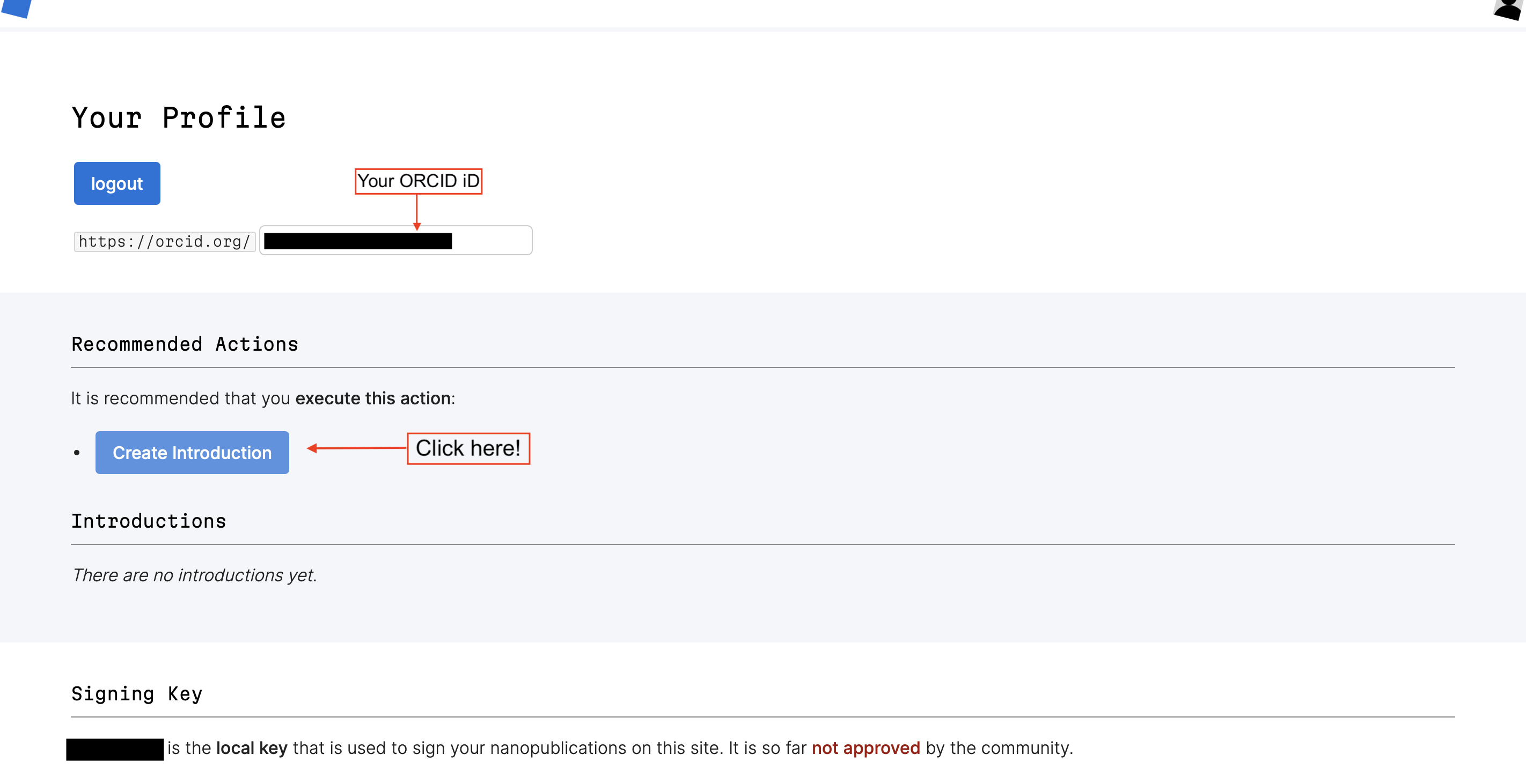
Create introduction
And then …
Once inside the introduction page, you will see a “Create Nanopublication” form.
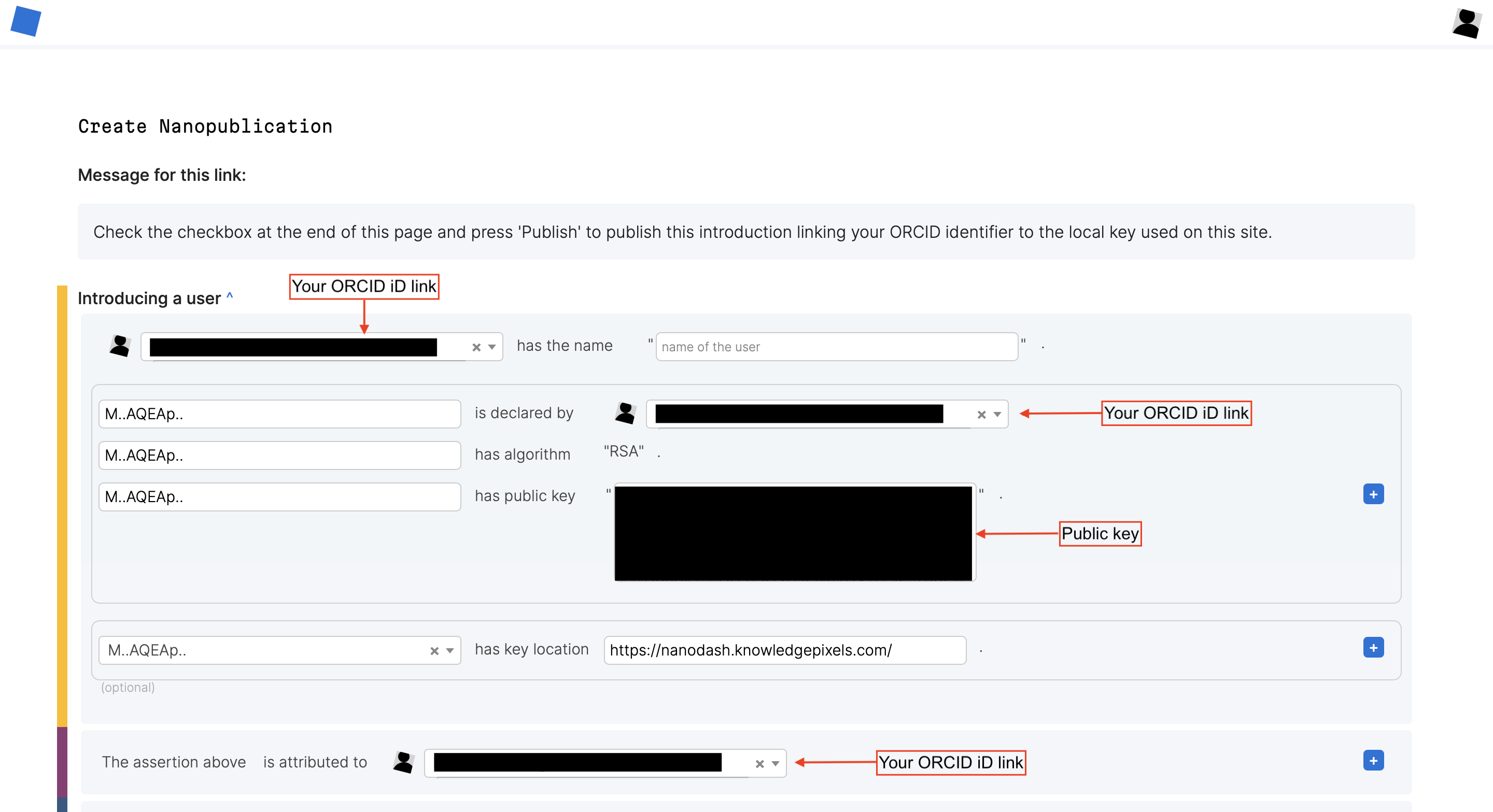
Create nanopublication
Complete your introduction
Under the “Introducing a user” section, add your name as you would like it to appear on your profile.
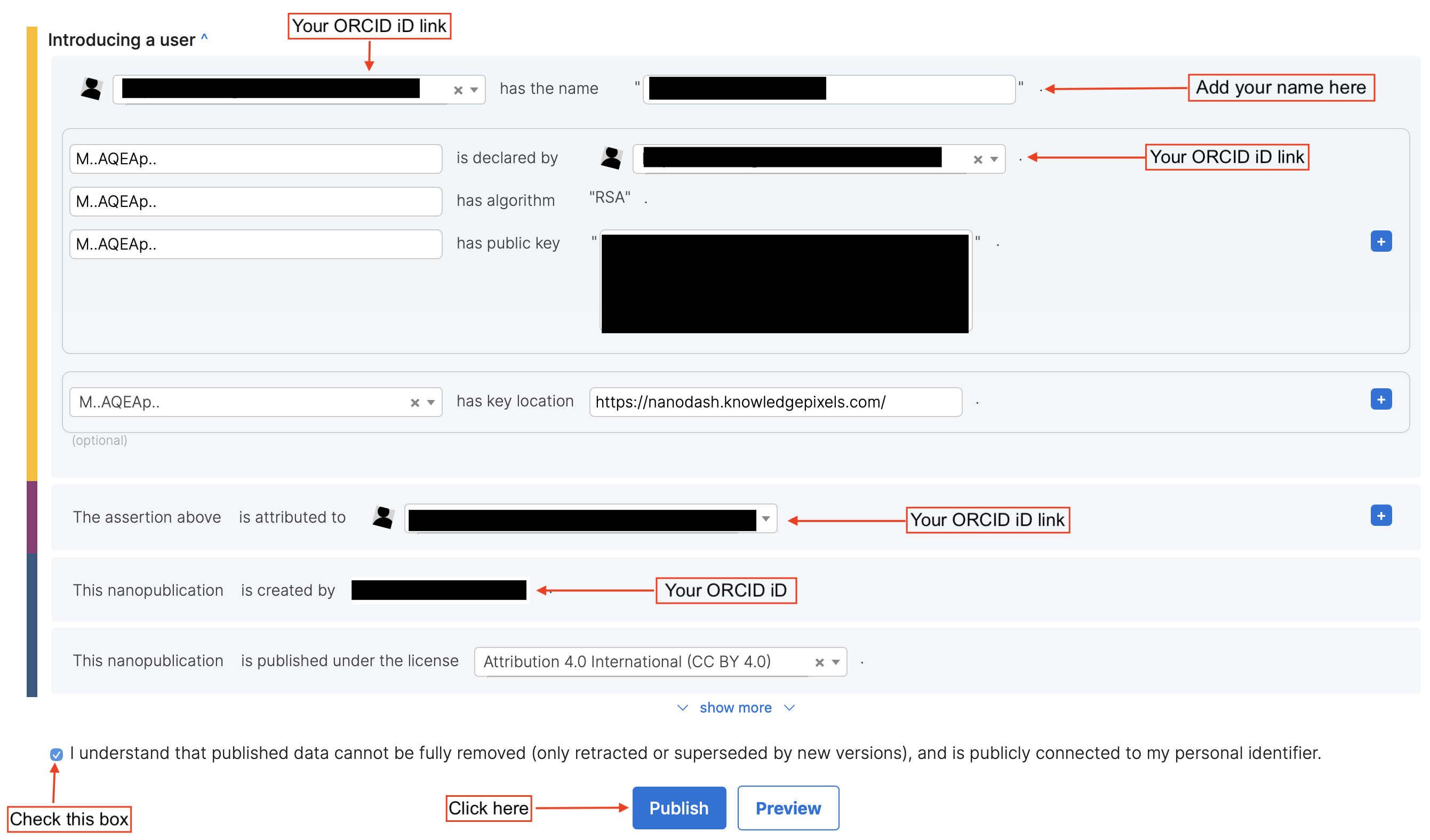
Complete introduction
Finally, after you are happy to check the publication button, you should be able to click on the “Publish” button to publish your introduction.
A published introduction …
Once the introduction is published, you should now be able to view your name on it.
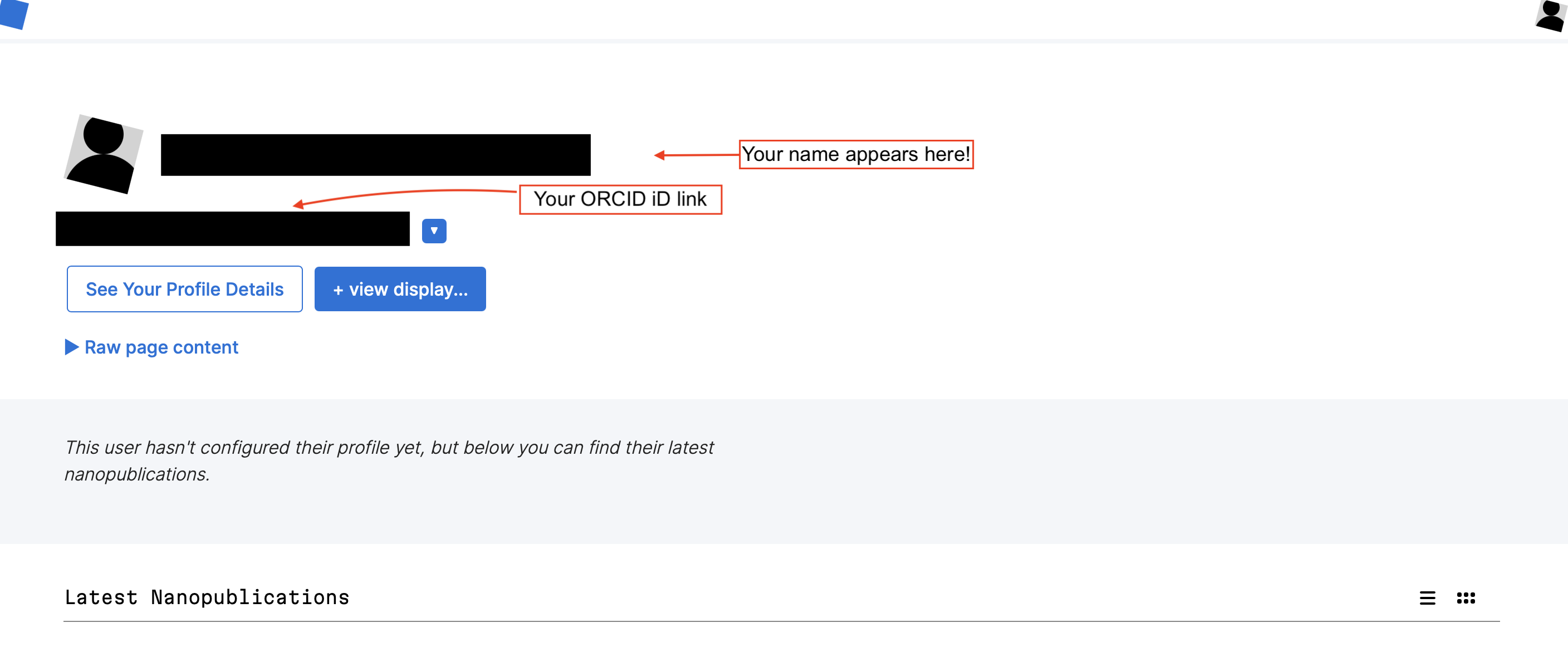
Published introduction
View latest nanopub
Finally, your name will appear under the latest nanopublications on your profile page.
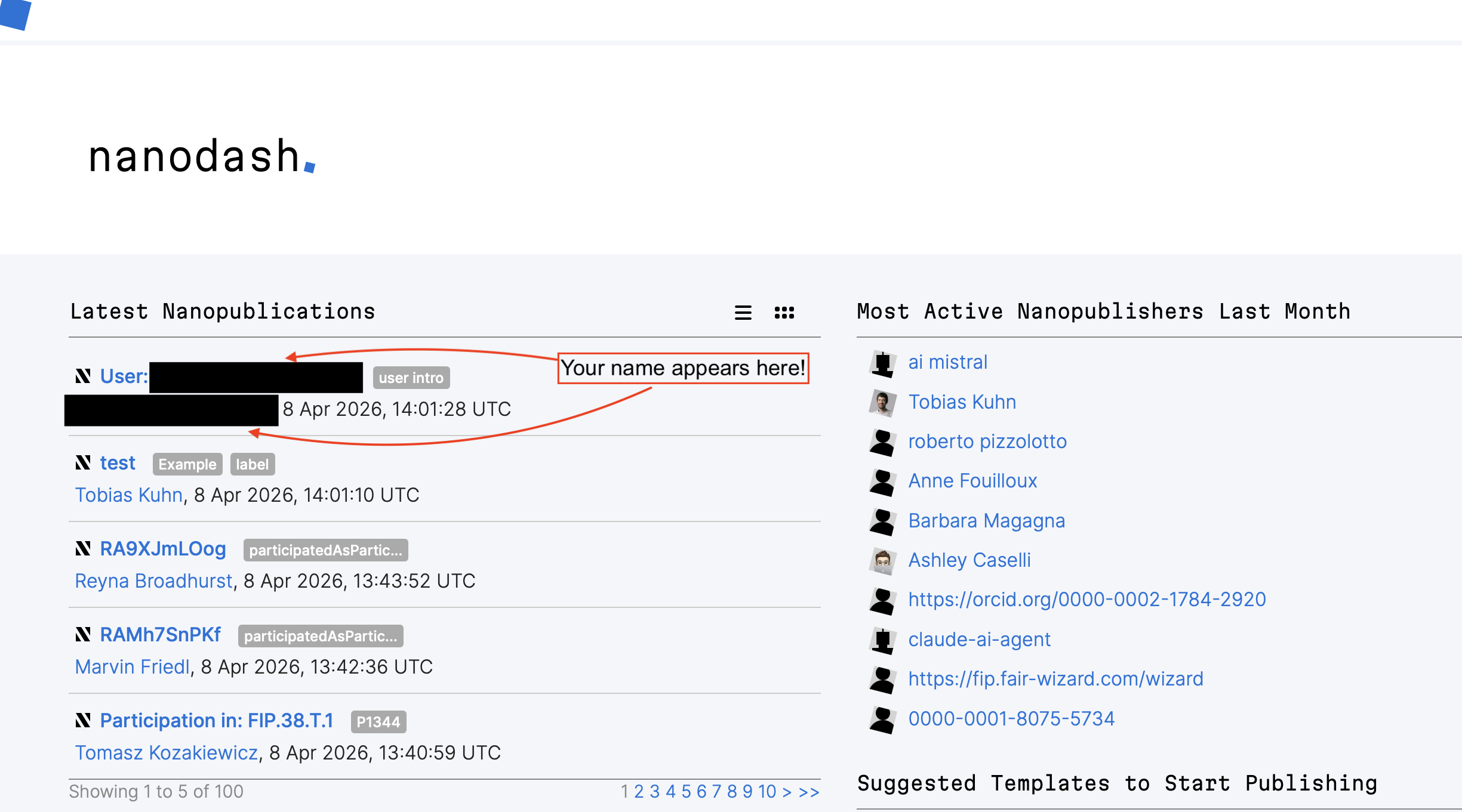
Latest Nanopublications
Add “view display” to your profile
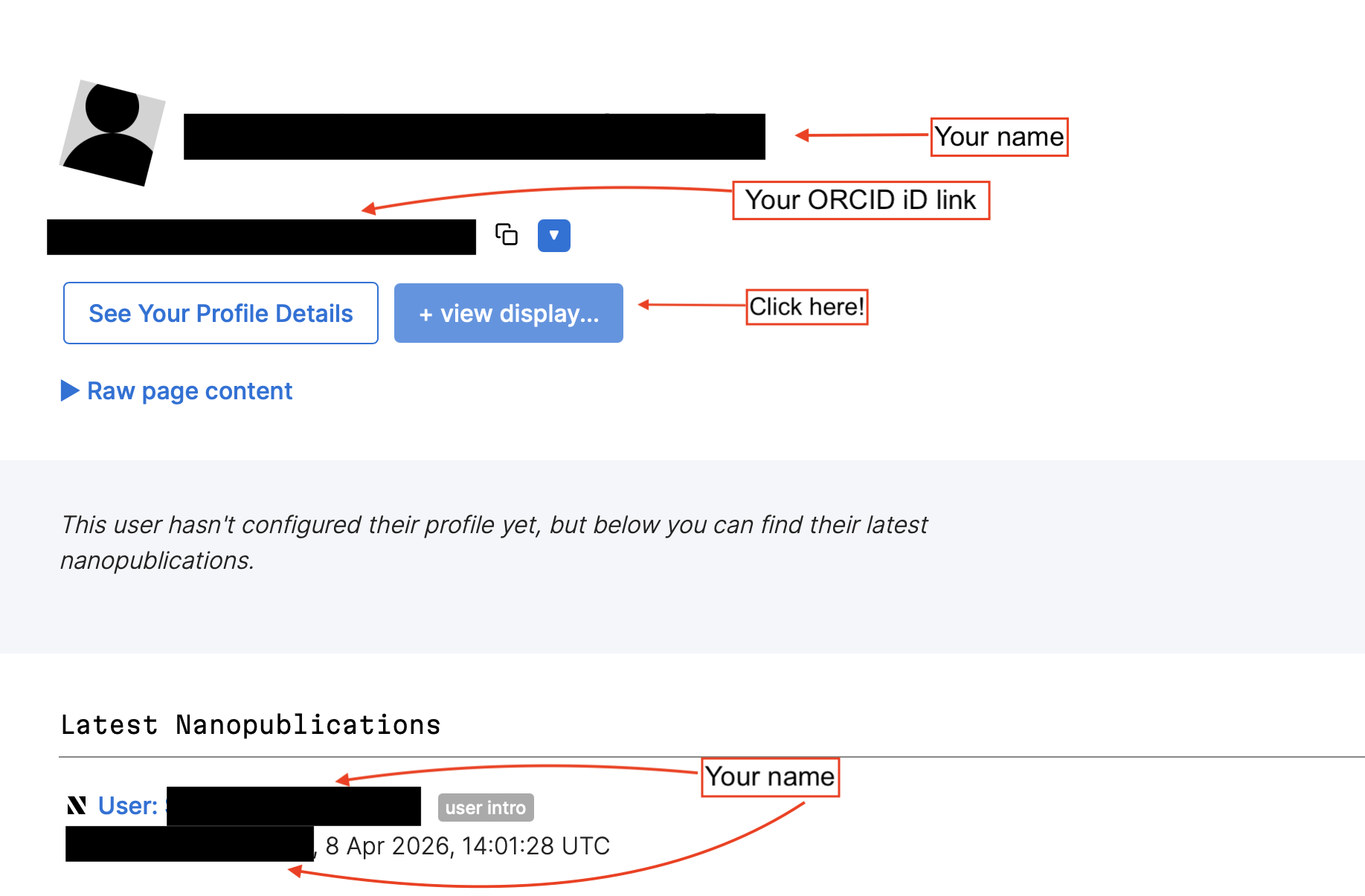
To add display sections to your profile, click on the “+ view display” button and it will open a new page for adding a new display section.
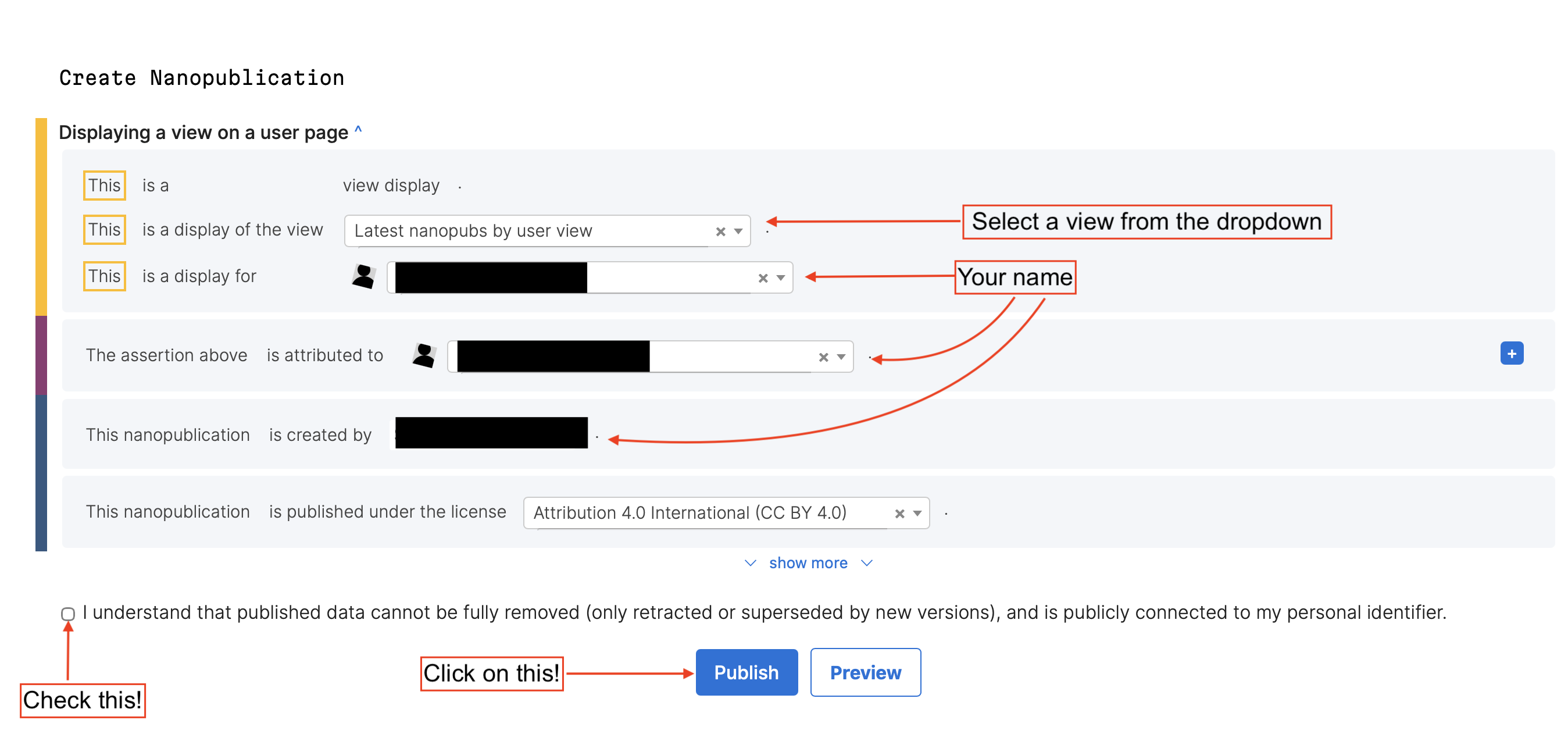
Approval of an User
Next on our list: approval of a user. Users can be approved by approved users.
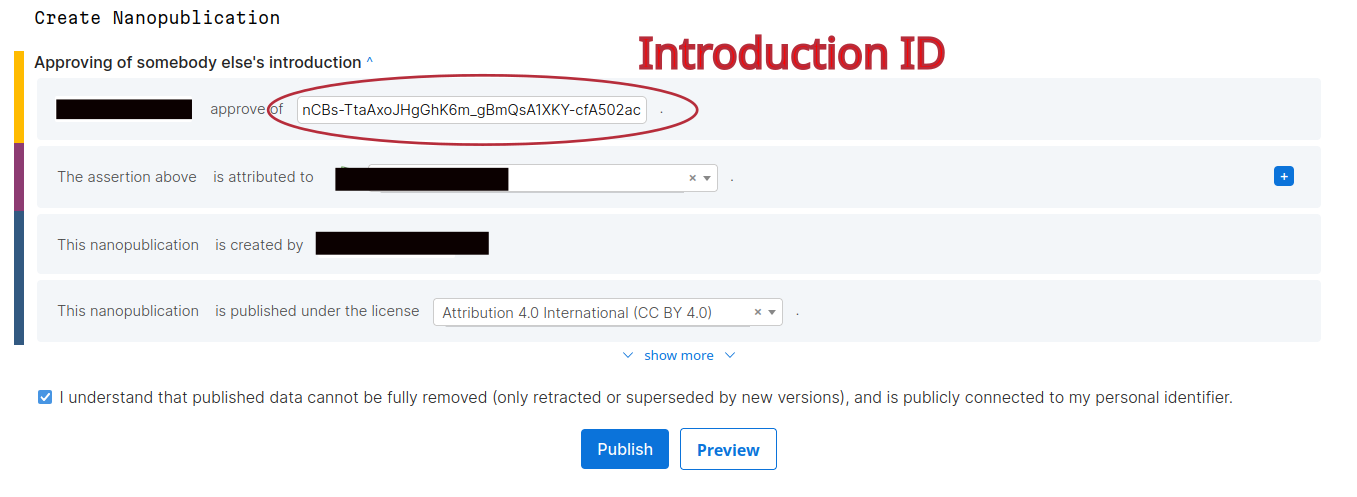
Task: approve your neighbour(s)!
Publish using a Template
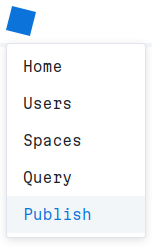
Select “Publish” from the menu.
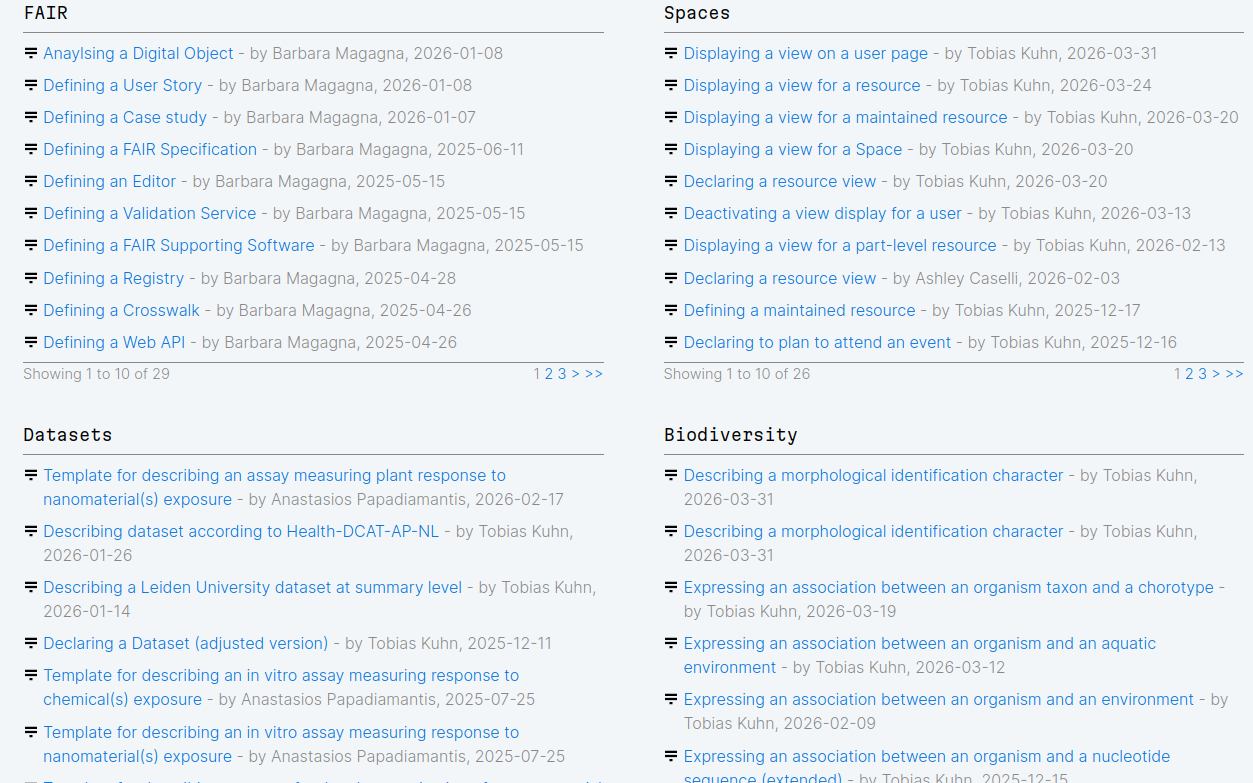
Then you can choose from the list of templates. (We are going to publish together. Please wait.)
Your first Nanopub!
Let’s select an easy template: Search for “Announcing a paper I have read”
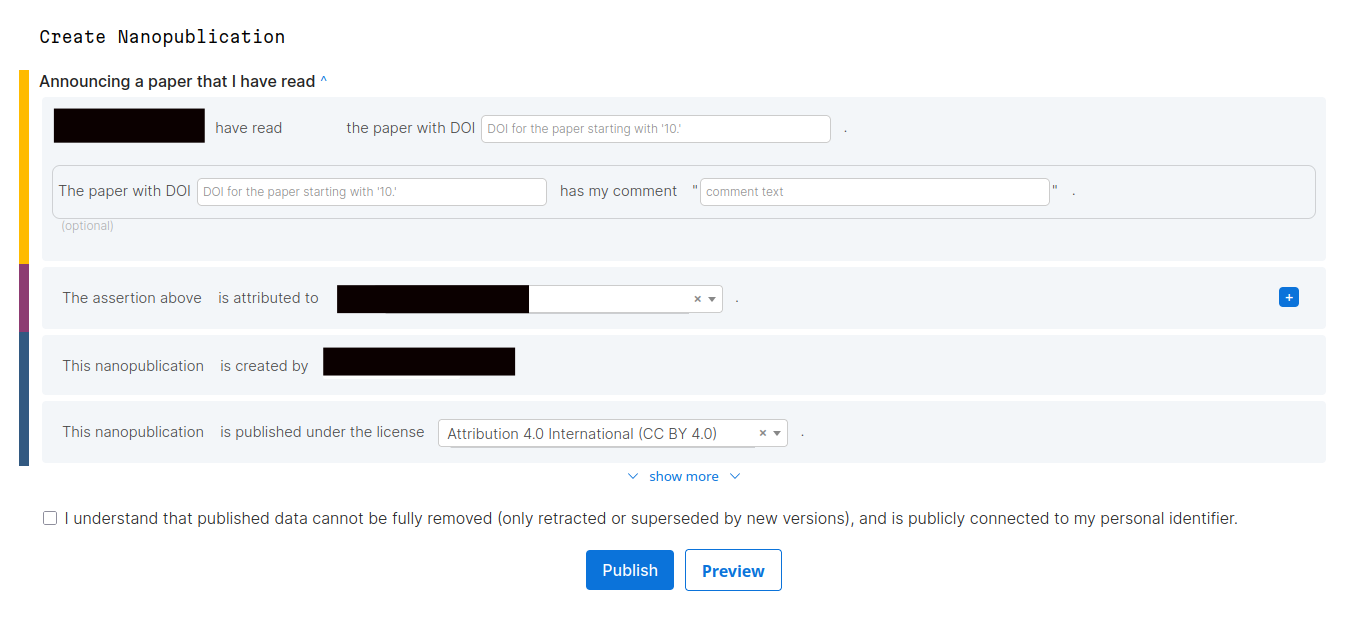
Select and enter a DOI of a recently read paper.
Modifying a Template II
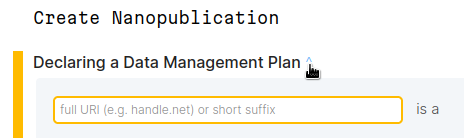
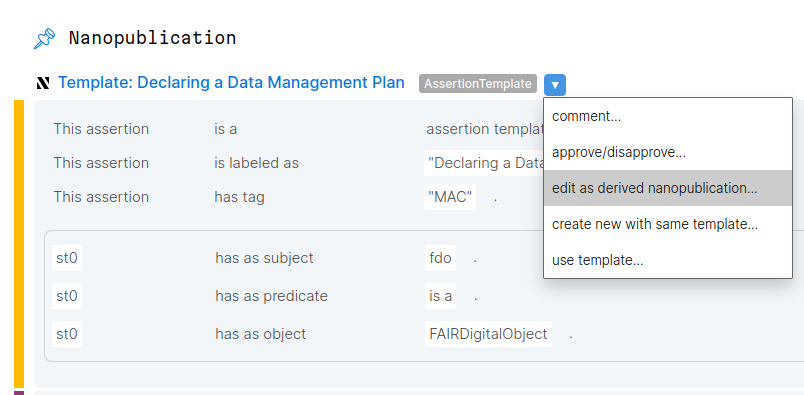
- start by selecting a suitable (similar) template and select the little blue caret
![]()
- then select “edit as derived nanopublication”
![]()
What can you do with Nanopubs?
Construct knowledgegraphs for your paper!
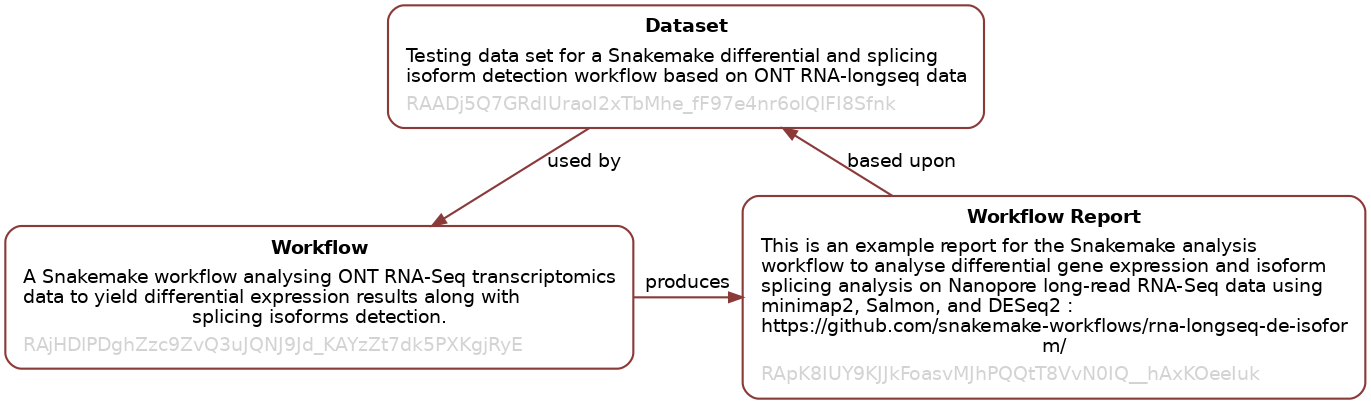
Created with the Snakemake reporter plugin for posting workflow metadata.
Citing Nanopubs
Remember: nanopubs are unique persistent identifiers, worldwide accessible.
What can you do with Nanopubs? II
More & more Citation Ontologies become available in Scholia:
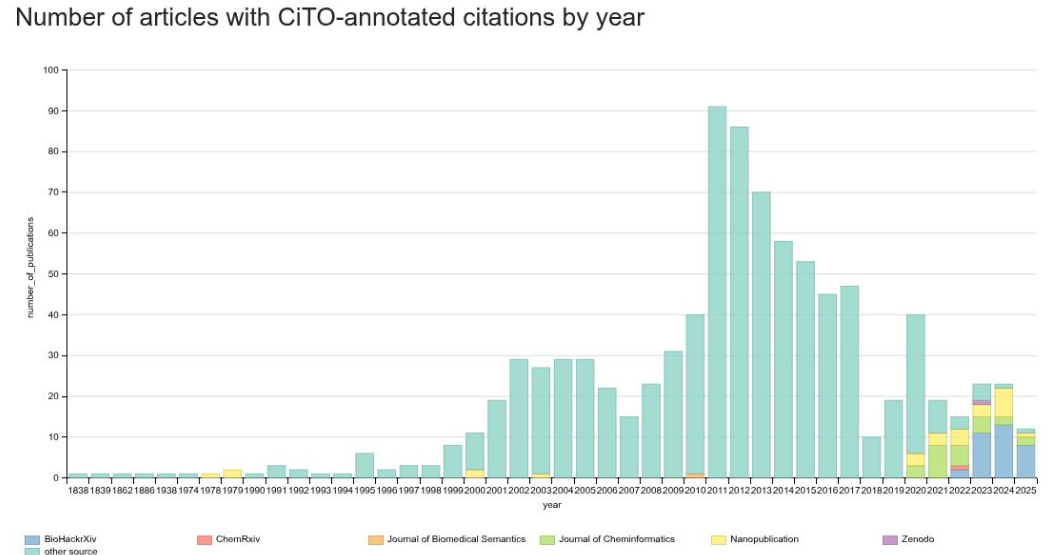
https://scholia.toolforge.org/cito/
Nanopub has a Template for your CiTOs